Replacement of MMI Adapter (for Graphite Vespel ferrule/Graphite ferrule/TD)
Preparation
When using a MonoTrap, there is no need to replace it with the TD Tube adapter.
First, set the instrument to a state in which it can be serviced (Maintenance Mode).
- Enter maintenance mode using the workstation.
- Enter maintenance mode using the the instrument monitor.
- Enter maintenance mode using the maintenance button on the instrument.
Video
Required devices
No. |
Parts name |
Category |
Required number |
Note |
|---|---|---|---|---|
① |
10×12 Spanner |
1 |
||
② |
Tweezers |
1 |
||
③ |
Adapter for Graphite Vespel Ferrule |
1 |
Required when using Graphite Vespel ferrule |
|
④ |
AU Gasket |
1 |
||
⑤ |
Adapter for TD |
1 |
Required when performing TD analysis |
|
⑥ |
MF Nut |
1 |
||
⑦ |
Adapter for Graphite Ferrule |
1 |
Required when using graphite ferrule |
Procedures
Step 1
Pull the column oven door latch toward you to open the column oven door.
Remove the column.
Step 2
Remove the nut on the adapter part of the MMI using a 10×12 spanner (①).
Check that the temperature of the MMI has decreased.
Step 3
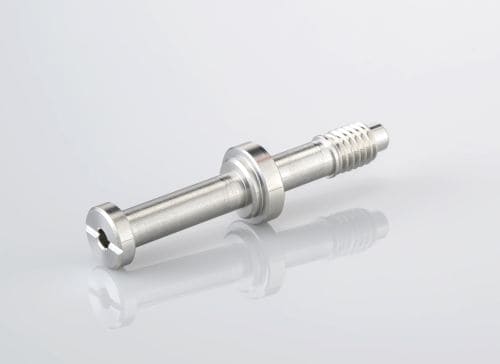
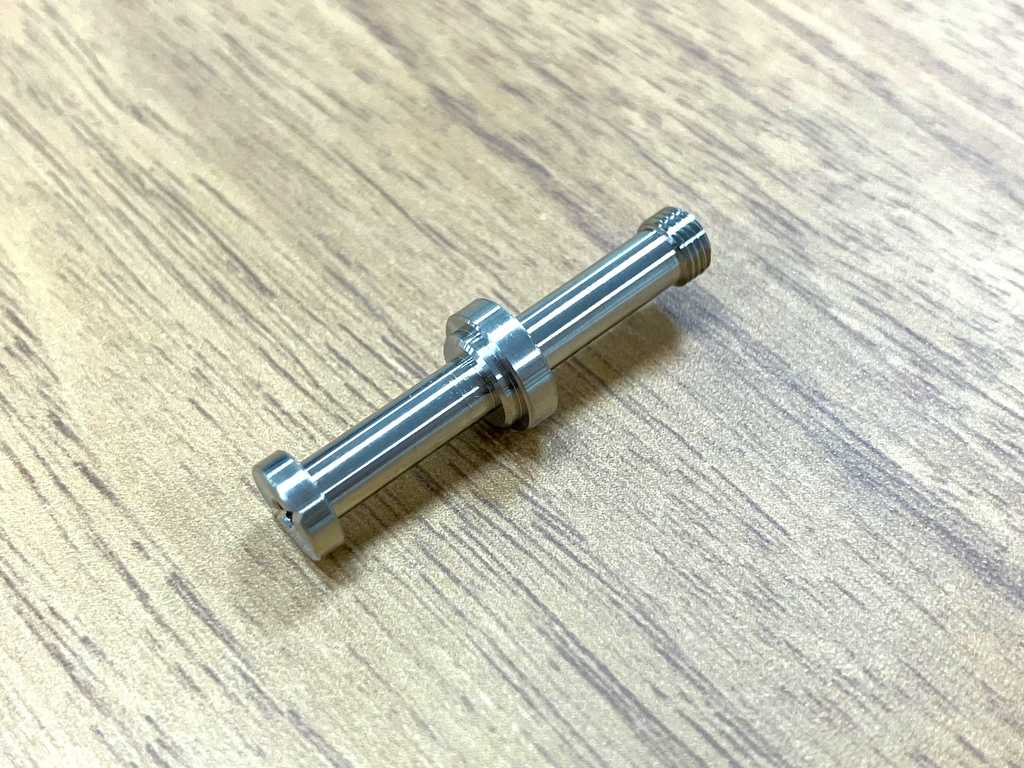
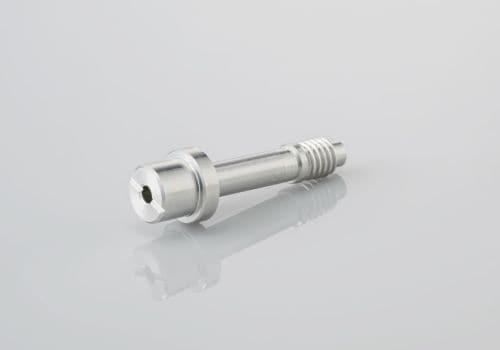
When replacing from Graphite Vespel ferrule to TD adapter, replace the Adapter (③) of the removed adapter with the TD Adapter (⑤).
Use the appropriate adapter according to your application: ③Graphite Vespel ferrule adapter , ⑤Graphite Ferrule adapter , ⑦TD adapter .
Step 4
Attach a new gold gasket (④) to the TD Adapter (⑤) using tweezers (②).
Step 5
Fix the TD Adapter to the MMI in the column oven using a new nut (⑥) with a 10×12 spanner (①).
If the insulation protrudes from the top panel (①) and the adapter is tightened, gas leakage will occur and adversely affect the analysis.
If the insulation is protruding, cut it off with a cutter or carefully push it inside (②), and be careful not to sandwich the insulation between the MF nut and the Adapter. (③)
【NG Example】
【OK Example】
Tighten the MF nut firmly with a spanner.
Step 6
Install the column or seal.
Close the column oven door.
Step 7
Exit maintenance mode using the following procedure according to the relevant instrument.